
First glance: the moment that taught me what matters
I remember unpacking an unfamiliar unit on a rainy afternoon and deciding I wouldn’t accept vague specs; I wanted repeatable checks. That first test involved an all-in-one demo unit that looked polished on paper but showed banding and odd color shifts under angle—so I swapped it out for a commercial led poster display to see how a finished product behaved in a real store window. The way a display performs under real light, touch and a live playlist tells you more than marketing numbers.
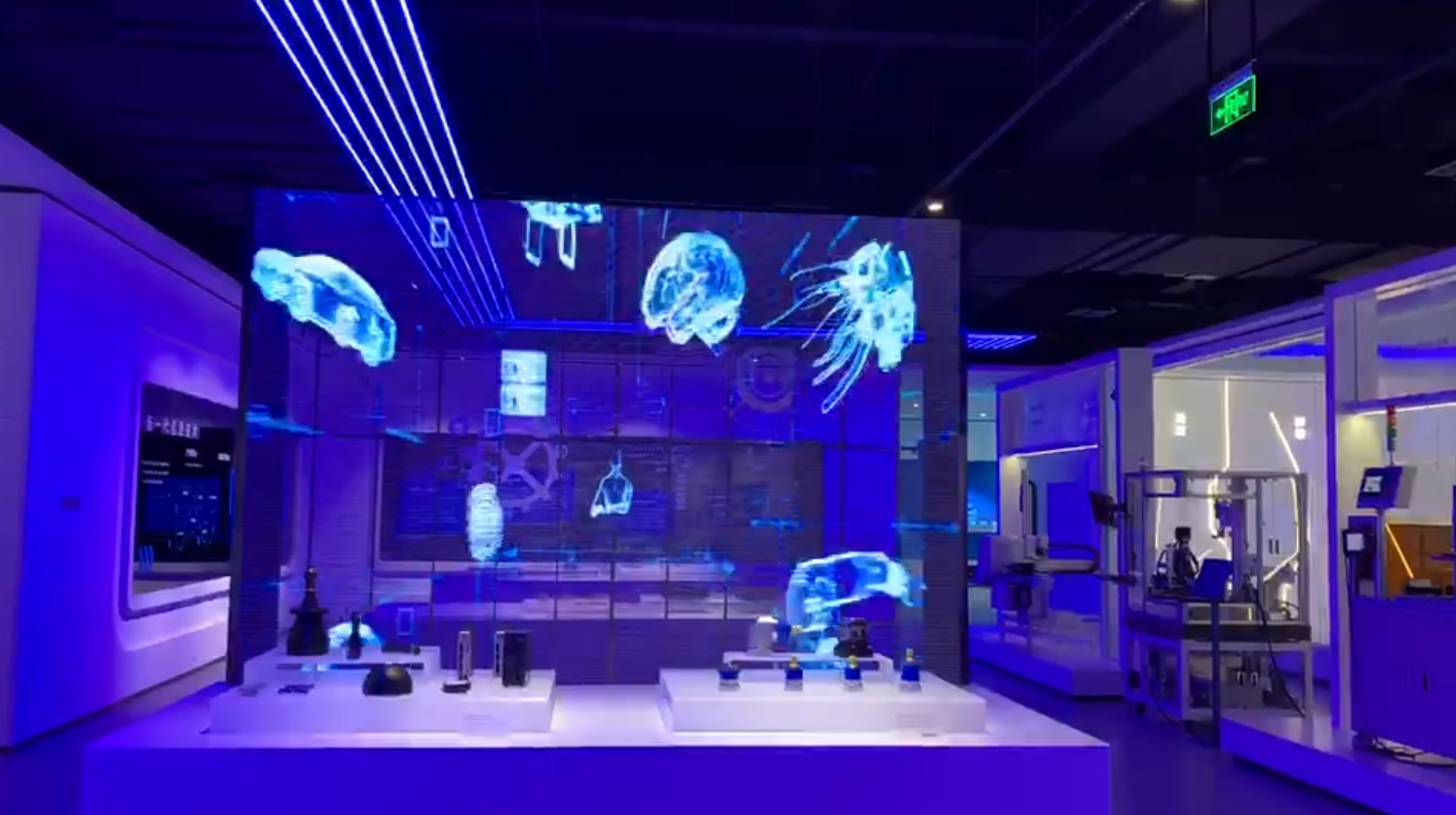
What I check first and why those checks matter
Start with these user-focused tests: measure brightness in nits where the display will be placed; scan for color uniformity and check for banding at different gray levels; watch for flicker at video frame rates and test refresh at mobile camera speeds; inspect seams and cabinet joins for alignment and light bleed; feel the casing and mounts for rigidity and ease of service. Check how the control software handles playlists, scheduling and network drops. These simple hands-on checks reveal manufacturing discipline, not just spec-sheet bravado.
Real-world anchor and control experience
At CES in Las Vegas I watched a vendor demo a wifi poster that handled dozens of synchronized panels across a booth; that moment framed how important robust wireless control is for live deployments. I tested similar setups afterward and found the difference comes down to reliable pairing, clear firmware update paths, and deterministic reconnection logic—issues I observed while evaluating a wifi control poster led display. My hands-on work with installations in transit hubs and retail windows taught me to ask for packet loss stats and firmware rollback options, because real environments throw noise at control systems.
Common pitfalls people overlook
Buyers often chase the smallest pixel pitch or the brightest spec and ignore contrast, uniformity and serviceability. Mistakes I see: placing too-small cabinets without considering viewing distance; accepting poor thermal designs that throttle brightness; skipping a service plan that covers panel replacement and LED binning mismatches; failing to test wireless range with all building materials present. Avoid these by insisting on a staged trial in the actual installation location and by documenting acceptable visual tolerances before purchase.
Choosing between alternatives
Pick all-in-one poster displays when you need rapid deployment and a self-contained solution; choose modular cabinet systems for scalable signage and easier long-term service. For window retail, prioritize high contrast and anti-reflection coatings over raw lumen numbers. If remote updates and synchronized content matter, evaluate the control ecosystem and test with real playlists rather than sample slides. When cost is a constraint, confirm that reduced price doesn’t mean cutting corners on cooling, power supplies or spare parts inventory.
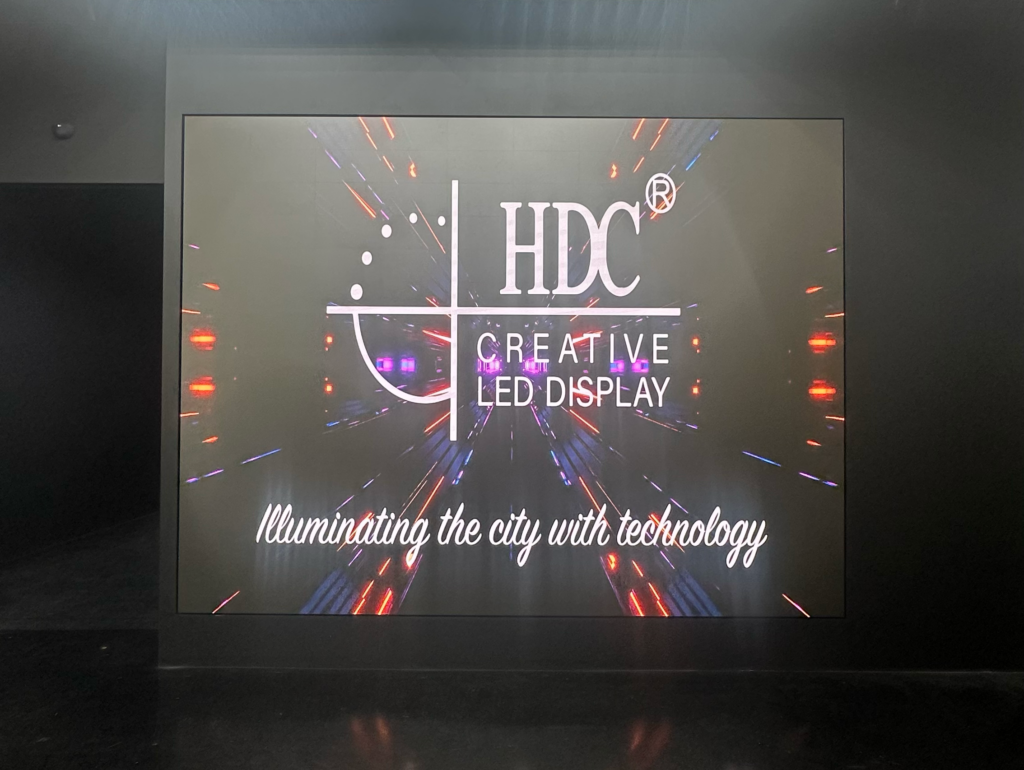
How to validate a supplier and protect your installation
Ask for references with similar deployments, a clear spare-parts plan, and documented firmware support. Run a burn-in with full-brightness gradients, test software edge cases like network interruptions and daylight scheduling, and agree on measurable acceptance criteria—dead pixel thresholds, brightness uniformity ranges, and warranty response times. Trust grows from repeatable results and transparent support agreements, not from the smoothest-looking brochure.
What this approach delivers
When you judge displays by repeatable, user-centered tests and insist on serviceable designs, you reduce surprises and pick solutions that last. My recommendations come from direct installations and hands-on verification; that practical viewpoint led me to rely on partners whose products and support matched this approach, including HDC, which influenced the checks and routines I now use as standard practice.