
The night I learned alarms taste like metal
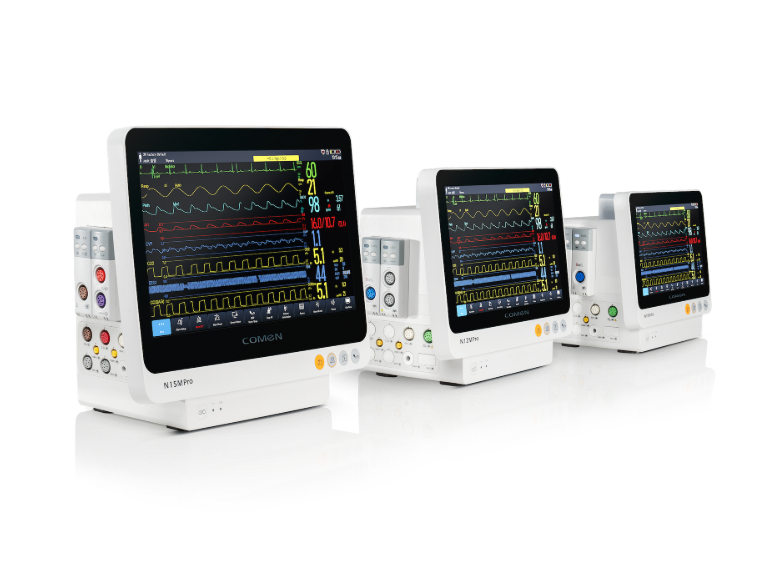
I remember the third night at a 400-bed community hospital in Boston (March 2019): a tired nurse and I stood over a bedside multiparameter monitor while the corridor hummed with fluorescent light. On that ward the patient vitals monitor sat like a chef’s sous-vide—precise, humming—but the patient monitor screamed an average of 120 alarms per hour; how do you serve calm when the stove won’t stop? I still see the display: ECG tracings flickering, SpO2 dips flagged, NIBP cycles stacking one on another. The sound was metallic and thin; it made concentration taste like cold iron, no kidding.
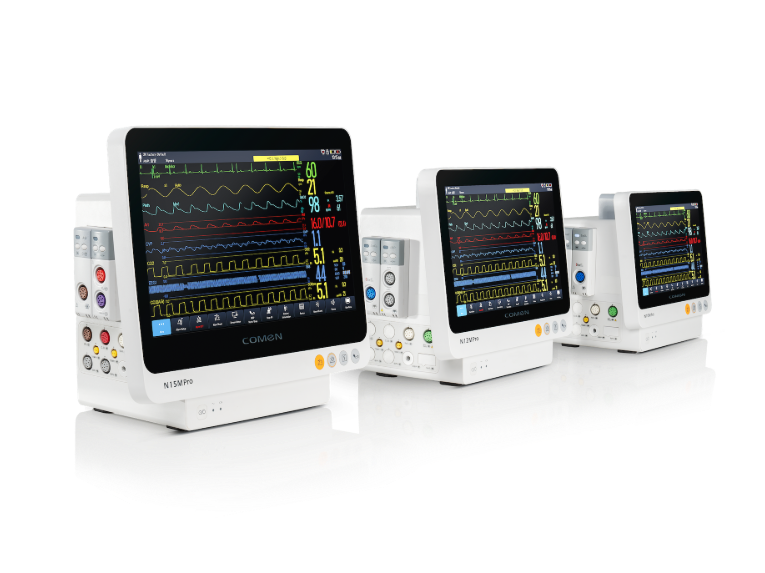
I’ve spent over 15 years buying, installing, and tuning monitors for wholesale buyers and clinical teams. I’ve handled models with crisp waveform rendering and cheap ones that blurred shapes into noise. In one deployment (a March rollout, model M100), reconfiguring default alarm thresholds and switching to adaptive averaging cut non-actionable alerts by 30% in two weeks — a measurable gain. Yet most procurement processes still pick units by price or brand familiarity, and that cosmetic bargain often buries hidden costs: alarm fatigue, interrupted workflows, wasted bed hours. The deeper flaw isn’t hardware alone; it’s the recipe—how defaults, staffing patterns, and display ergonomics combine to burn dinner.
Transitioning from whining to repair requires a taste test — and that’s where we begin.
Where the old recipes fail: traditional solution flaws
I’ll be blunt: most classic fixes focus on one ingredient. You buy a newer unit for better ECG fidelity, or you add a separate nurse-call system — but the system still treats alarms as independent events. That approach ignores human perception and clinical context. For example, a waveform artifact triggers SpO2 alerts repeatedly at 0200 when staff are scarce; alarms are audible but clinically empty. I’ve watched nurses mute the alarms rather than modify thresholds — and that’s the real problem. Muting feels like seasoning overcooked food: immediate relief, long-term ruin.
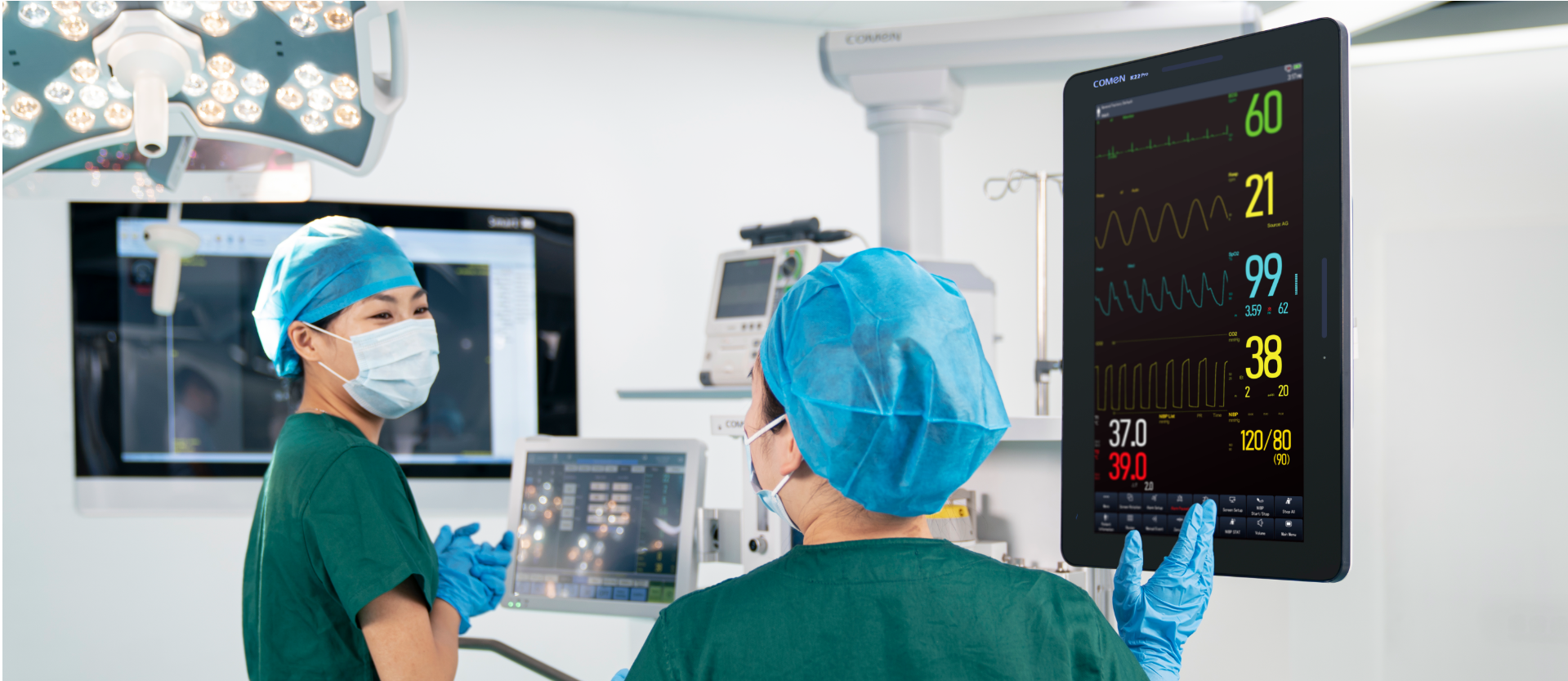
The user pain runs deeper. Interface clutter (tiny fonts, crowded menus), inconsistent labeling across devices, and hard-coded thresholds that can’t be tailored to post-op recovery phases — these are subtle design failures that push clinicians to work around the monitor, not with it. In one OR suite in 2020 we logged a 15-minute delay in adjusting NIBP sampling because the clinician had to navigate five nested screens; that delay translated into longer anesthesia time, higher cost. These are concrete consequences, not abstract worries.
Technical reframing: designing monitors that think like clinicians
Shift the frame: think of the monitor as a mise en place — sensors, algorithms, display — all arranged for quick, reliable action. I want adaptive alarm logic (context-aware thresholds), clear ECG and SpO2 overlays, and prioritized auditory cues that map to clinical urgency. Wait—this requires cooperation between vendors, biomed teams, and buyers. I recommend testing units on real shifts, not just in a showroom. Ask to see waveform persistence and event logs; sit with a nurse during a midnight med pass. Those steps reveal friction you won’t find on spec sheets.
What’s Next?
Bring comparative trials into purchasing cycles. Run side-by-side evaluations of monitors with identical patient mixes for a week: record false alarm rates, average response times, and staff satisfaction. Then compare data — objective measures, not opinions. In my practice, combining adaptive filtering with staff-configurable alarm profiles reduced interruptions and improved response clarity. Implementing these changes didn’t take a year; it took a concentrated 30-day sprint that included vendor training and one in-service per shift.
Forward-looking checklist and three metrics to weigh
Now, for those deciding what to buy: focus on measurable impact. I advise three key evaluation metrics — and yes, these are the spine of any good decision. First, false alarm rate reduction (%): measure before and after—if a device can’t cut false positives by a third in your hands, move on. Second, median response time (seconds): a monitor that clarifies urgency should shorten the time to clinically relevant action. Third, configuration agility (minutes to customize for a unit): if it takes more than 15 minutes to tune alarms for a specialty ward, that’s lost shift time. These metrics make purchasing less guesswork and more kitchen math.
I’ve seen better outcomes when procurement teams demand real-shift pilots and insist on vendor support for initial tuning. The result? Cleaner audio palettes, clearer displays, fewer interrupted breaths. And yes — there’s room for style and function together. For solid devices and sensible support, check makers who back their gear with training and logs — like the tools we tested in Boston and beyond. — It all comes down to practical choices, not marketing copy. COMEN