
Start with who you are and what you actually do
Think less about specs-on-paper and more about what you use daily. If you edit photos, run light video timelines, or just want a tidy desk, that changes the picks. Folks hunting bargains will spot different options than someone building a studio-ready desk. If you’re browsing seasonal offers or budget refreshes, check all in one computer deals early so you know what performance you can get at a price you’ll actually feel good about.
Prioritize the user needs first — performance mapped to tasks
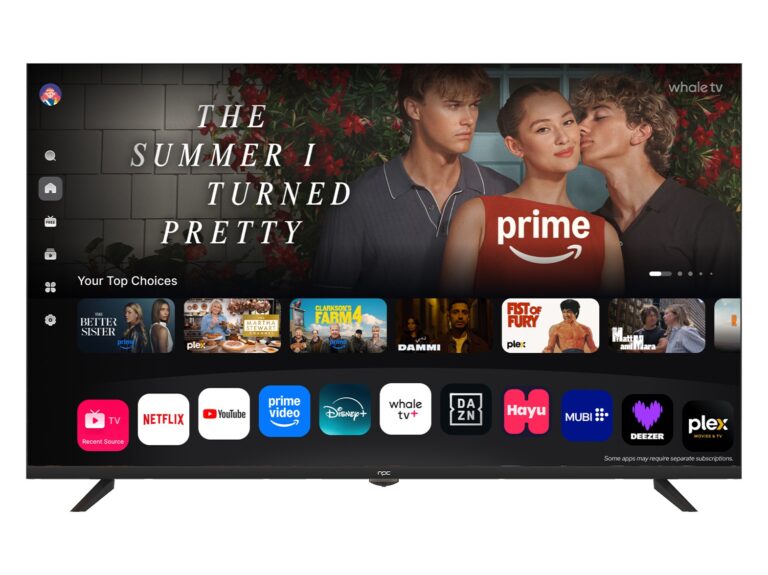
Match CPU, RAM and storage to actual tasks. For email, streaming and web work, an efficient dual- or quad-core with 8 GB RAM is fine. For photo editing or heavier multitasking, 16 GB RAM and a 6- or 8-core processor save time. Prefer an SSD over an HDD for snappy boot and app launches. Don’t overbuy GPU horsepower unless you render or game; integrated graphics are plenty for most creative work and office tasks.
Display and ergonomics that matter every day
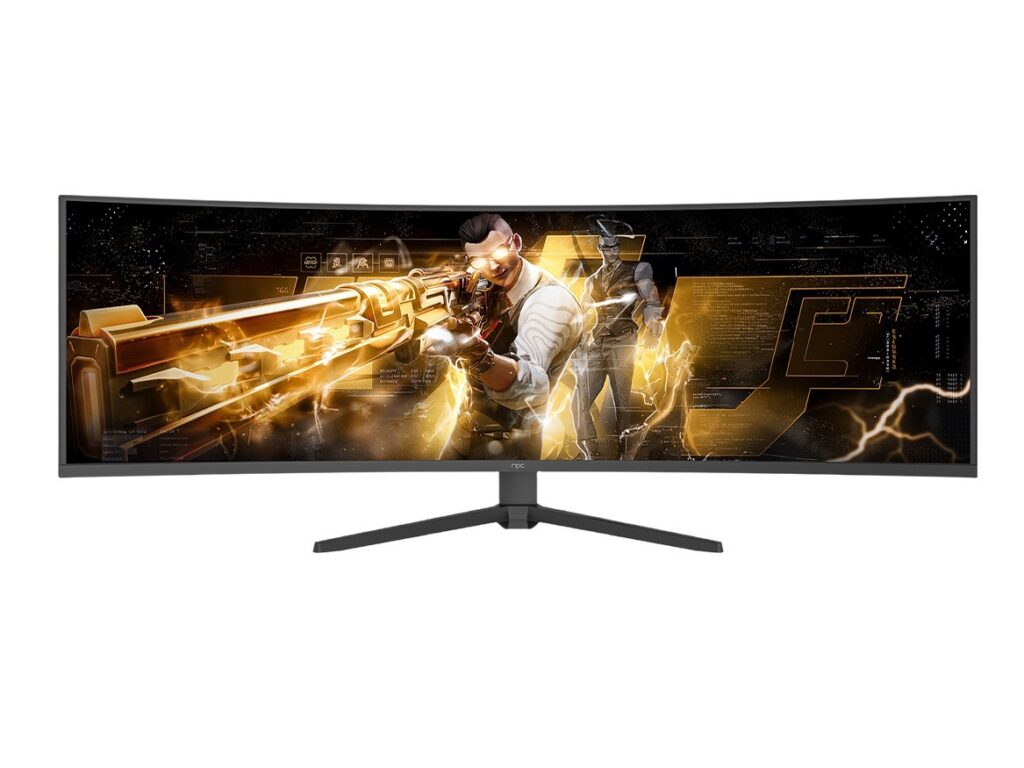
Screen size, resolution, and adjustability change how you feel after a long session. If you work on color, pick an IPS panel with at least 100% sRGB and a factory-calibrated profile. Tilt and height adjustments reduce neck strain; detachable or VESA‑compatible stands are a practical plus. Matte finishes cut glare in bright rooms; glossy gives punchier color but shows reflections. Test for eyestrain over a 30–60 minute task when you can.
Ports, upgradability, and real-life maintenance
One-port devices look clean until you need to plug in a scanner, external drive, and HDMI for a second monitor. Prioritize USB-C with power delivery, an Ethernet jack for reliable transfers, and an SD reader if you handle cameras. Check whether RAM or storage are user-upgradable; soldered components mean full replacement when needs change. Choose what you can live with for three to five years without wrenching open the case.
Common pitfalls people miss
Buying by brand prestige alone. Ignoring cooling and fan noise for devices that sit on your desk. Mistaking thin bezels for better panels. Falling for peak frequencies without checking sustained performance under load. Skimping on warranty or service options when the system is integral to your work. These mistakes cost time and patience, not just money.
Real-world grounding and credibility
As someone who’s specified all-in-one setups for small design teams and curated builds for shared workspaces, I learned to test machines under actual loads and to expect software updates to shift performance. Industry hubs such as Shenzhen are central to hardware production, and many of the region’s suppliers shape the market for all in one pc manufacturers, which shows up every year in product roadmaps and supply notices. That context explains why certain features become common within a season.
Alternatives to consider before you buy
If you want flexibility, a compact mini‑PC plus a good monitor gives easier upgrades. Laptops beat AIOs for portability. Traditional towers still offer the best upgrade path and cooling if you plan to push hardware for years. Choose the form factor that matches your tolerance for future tinkering versus a clean, integrated look.
Wrap-up: pick what keeps you productive and relaxed
Don’t chase the shiniest spec sheet. Start from your daily tasks, match sensible specs, check the display and ports, and avoid upgrade traps. That approach gets you a machine that works without drama and lasts longer. For sourcing honest builds and clear product lines that fit those needs, look through the options at npc and choose what actually reduces friction in your setup.